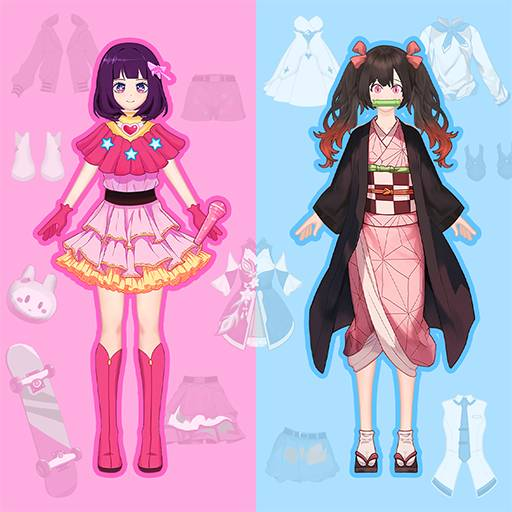
Game Description:
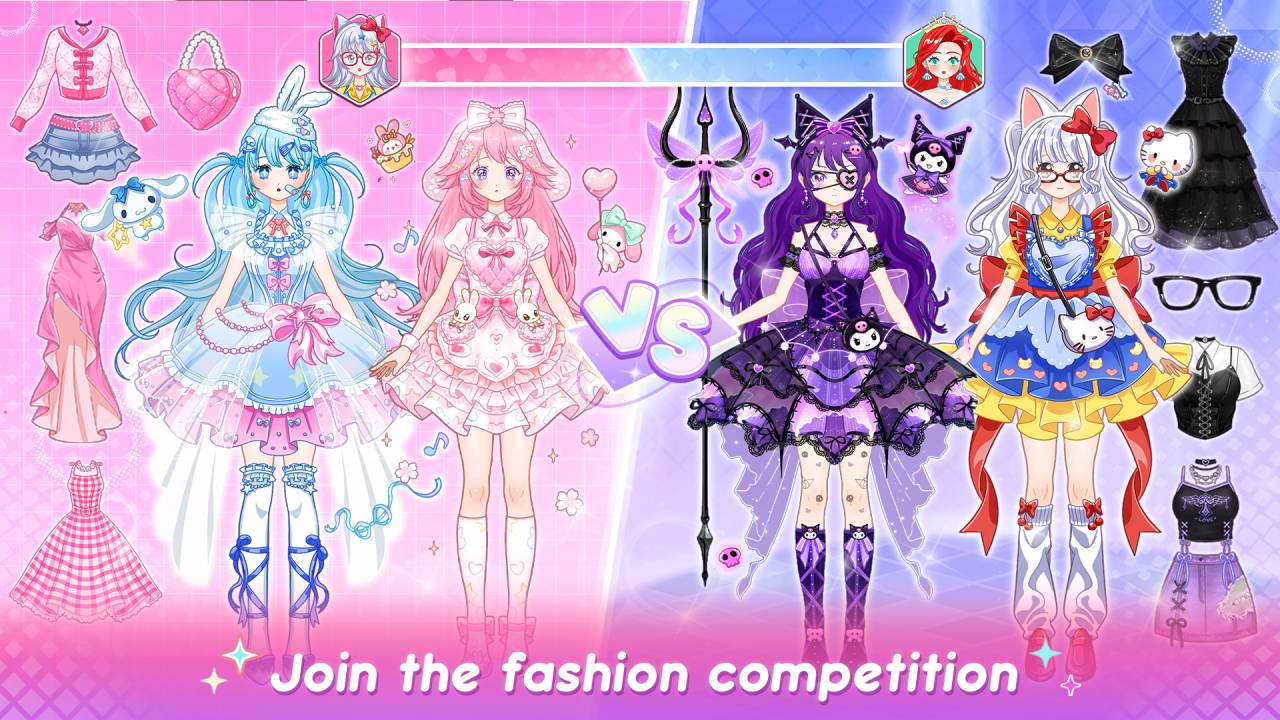
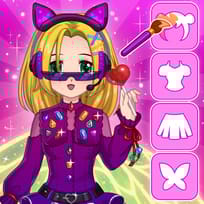
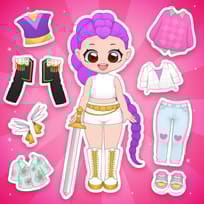
Anime Doll - DIY Cosplay Girl is a creative and interactive game where you get to design and customize your own anime-inspired doll. With a wide range of customization options, you can create a unique and personalized doll that reflects your style and creativity.
How to Play:
- Start by choosing a base doll model, which includes different face shapes, skin tones, and hairstyles.
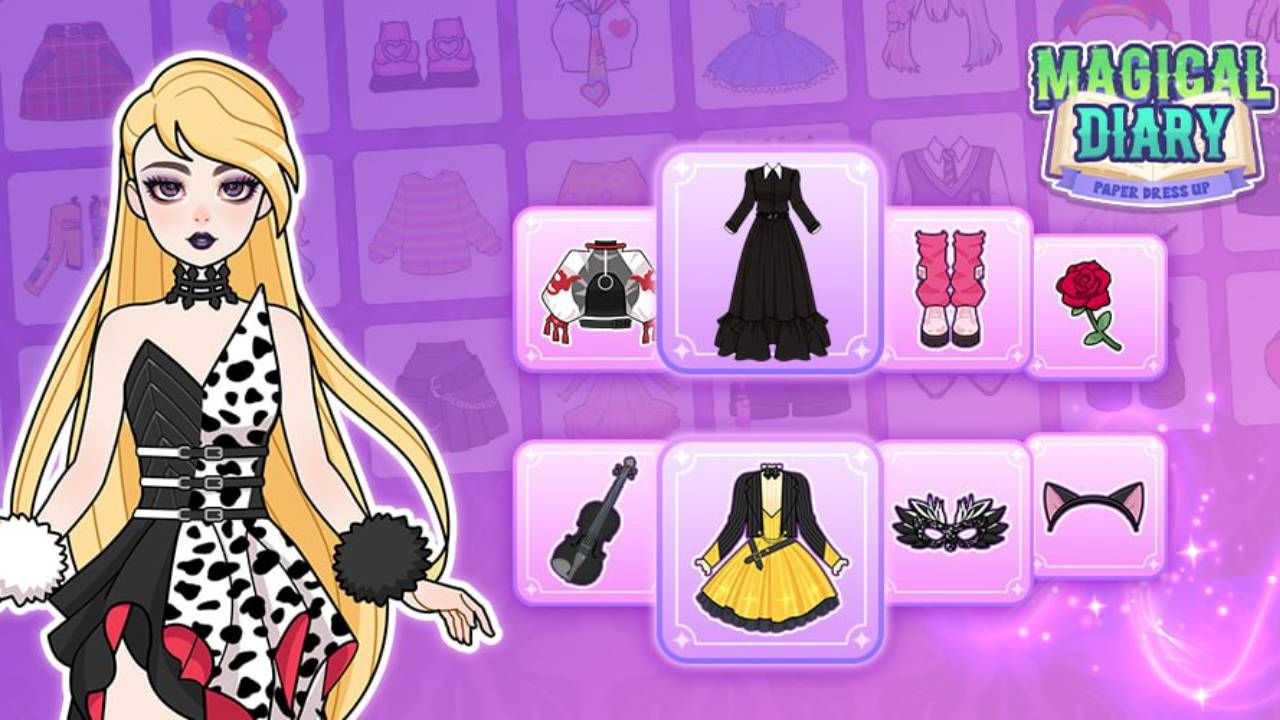
- Customize your doll’s appearance by selecting from a variety of accessories, such as clothes, hats, jewelry, and props.
- Use the game’s built-in editor to create and design your own accessories, such as dresses, shoes, and accessories.
- Experiment with different poses and expressions to capture the perfect look for your doll.
- Share your creation with friends and family, or showcase it in the game’s community gallery.
Full Details:
Customization Options:
- Face Shapes: Choose from a variety of face shapes, including round, oval, heart-shaped, and more.
- Skin Tones: Select from a range of skin tones, including fair, medium, dark, and custom blends.
- Hairstyles: Choose from a variety of hairstyles, including short, long, curly, straight, and more.
- Eyes: Select from a range of eye colors, shapes, and sizes.
- Eyebrows: Choose from a range of eyebrow shapes, sizes, and colors.
- Clothing: Select from a variety of clothing items, including dresses, tops, pants, skirts, and more.
- Accessories: Choose from a range of accessories, including hats, jewelry, shoes, and props.
- Props: Select from a range of props, including wands, books, flowers, and more.
Design and Editing Tools:
- Pencil Tool: Use the pencil tool to draw and create custom designs for your doll’s accessories.
- Brush Tool: Use the brush tool to add textures, patterns, and colors to your designs.
- Eraser Tool: Use the eraser tool to remove unwanted parts of your design.
- Move Tool: Use the move tool to adjust the position and orientation of your doll’s accessories.
- Rotate Tool: Use the rotate tool to rotate your doll’s accessories to the desired angle.
- Scale Tool: Use the scale tool to adjust the size of your doll’s accessories.
Pose and Expression Options:
- Standing Pose: Choose from a variety of standing poses, including relaxed, alert, and dramatic.
- Sitting Pose: Choose from a variety of sitting poses, including relaxed, leaning, and sitting up straight.
- Lying Pose: Choose from a variety of lying poses, including relaxed, curled up, and sleeping.
- Expressions: Choose from a variety of expressions, including happy, sad, angry, and surprised.
Community Features:
- Community Gallery: Showcase your creations in the game’s community gallery, where you can browse and vote on other players’ creations.
- Friends List: Keep track of your friends and their creations, and get notifications when they post new updates.
- Chat: Chat with other players and share tips, advice, and feedback on their creations.
Tips and Tricks:
- Experiment with different customization options to create a unique and personalized doll.
- Use the game’s built-in editor to create and design your own accessories.
- Don’t be afraid to try new things and make mistakes - they can often lead to unexpected and creative results!
- Share your creations with friends and family, and get feedback and suggestions to improve your skills.
I hope this helps! Let me know if you have any further questions.